
R36 Max: Specs, Variants & How It Compares
The R36 Max is a budget Linux handheld with a square 4-inch 720×720 screen, an RK3326 chip and a 4,000 mAh battery. See what it plays well, how it differs from the R36S, R36 Pro and R36 Max 2, and what to check before you buy.
As an Amazon Associate we earn from qualifying purchases.
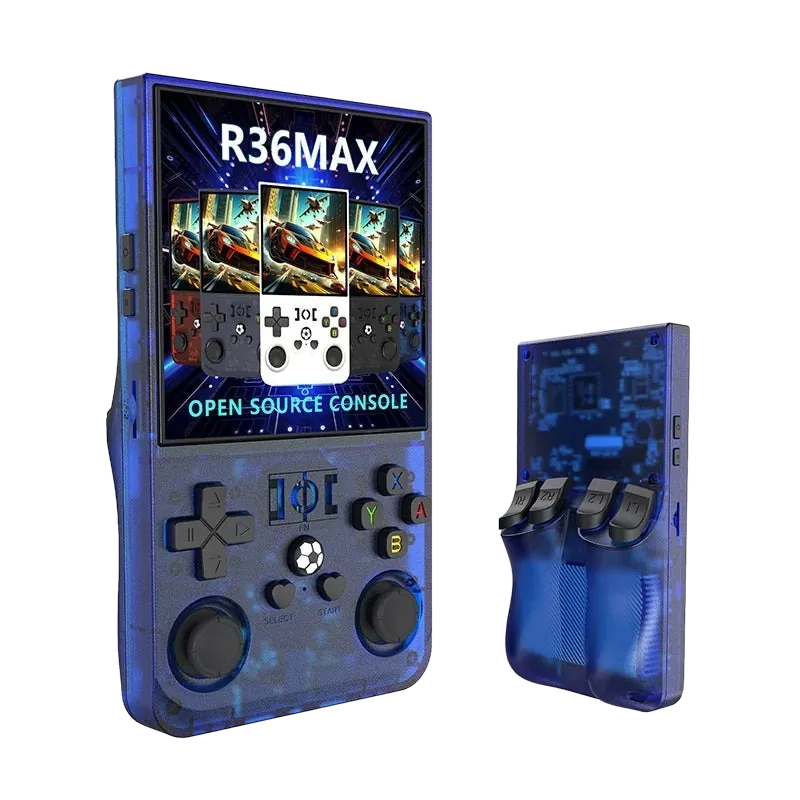
Which handheld fits your setup?
Specs checked against Retro Catalog, the Handhelds wiki and current listings. Sellers change parts between batches, so confirm the variant on the listing.
| Model | Screen | Chip | Battery | Wi-Fi | Best for | Where to buy |
|---|---|---|---|---|---|---|
| R36S | 3.5" 640×480 | RK3326 | 3,500 mAh | No | Pocket carry; SNES, Genesis, PS1 | Check Price → |
| R36 Max | 4.0" 720×720 | RK3326 | 4,000 mAh | No | Game Boy & GBA; longer sessions | Check Price → |
| R36 Ultra | 4.0" 720×720 | RK3326-class | ~3,000 mAh | Yes | Wi-Fi, Bluetooth, RetroAchievements | Check Price → |
| R36 Max 2 | 4.5" 1024×768 | RK3326 | ~4,000 mAh | No | Biggest R36 screen | Check Price → |
Sources: Retro Catalog, the R36S community wiki, Notebookcheck (R36 Max 2) and the current Amazon listings, last checked September 15, 2026. R36S Max is an independent guide and is not the maker of these devices. As an Amazon Associate we earn from qualifying purchases.
Start with the way you play
Find the right handheld for the occasion
Compare popular handhelds
Every listing includes model-specific notes so you can choose with fewer surprises.
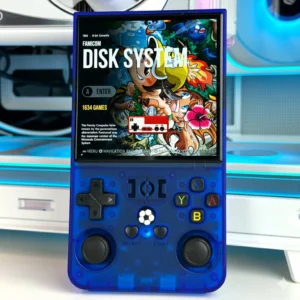
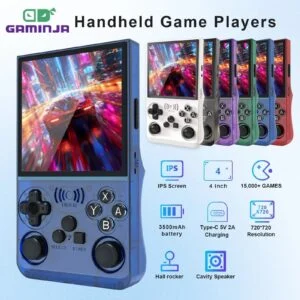
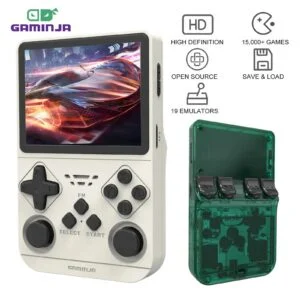
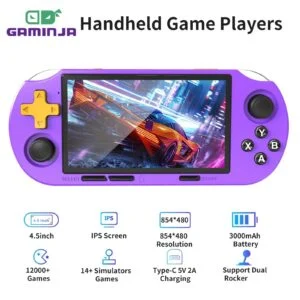
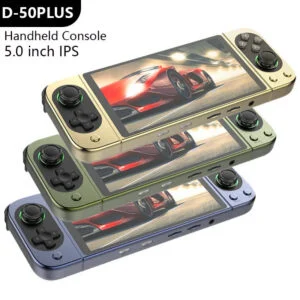
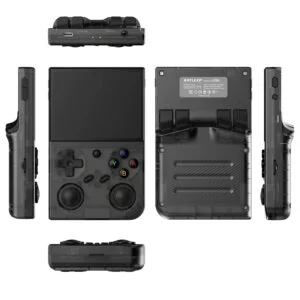
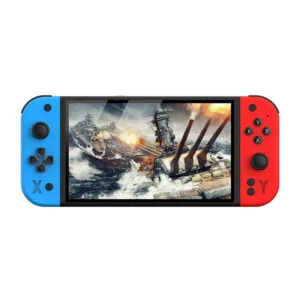
Check what you actually received.
Listings with the same name can ship different hardware. Our clone guide walks through five quick checks (the SD card partition names, the boot screen, a no-card boot test, the charging screen and the memory reading) so you can confirm your unit while the Amazon return window is still open.
Spot a clone →How to choose a retro handheld
A retro handheld is a pocket-sized console that runs emulators for classic systems — everything from NES and Game Boy up to PlayStation 1, and on faster chips, Nintendo 64 and PSP. The right pick comes down to three things: the systems you actually want to play, the screen size that suits your hands and eyes, and how much you want to spend. Below is the short version of what separates a good buy from a frustrating one.
Match the chip to your library
If you mostly want 8- and 16-bit systems plus Game Boy Advance and PS1, an affordable Linux handheld under $60 handles all of it at full speed. Only step up to a faster Android device if Nintendo 64, Dreamcast or PSP are must-haves — those need real horsepower, and cheaper units run them inconsistently. See our pick for the best handheld emulator if you want a single recommendation.
Screen size is a real trade-off
A 3.5-inch screen keeps the device genuinely pocketable; a 4-inch or larger panel is easier on the eyes for longer sessions but adds bulk. Look for an IPS display (accurate colour and wide viewing angles) rather than an unspecified panel, and a 4:3 aspect ratio that matches most retro content without stretching. If you want to play on a TV too, check which models offer HDMI output.
Battery and storage that last
Aim for a 4,000–5,000 mAh battery for a full commute or flight on one charge, and a microSD slot so you can grow your library later. USB-C charging is standard on any current model — avoid older Micro-USB units. Want to download cover art and cores over the air? Look for a Wi-Fi retro handheld. A bundled card with content is convenient, but you can always swap in your own legally-owned files.
Who these are for — and who should skip them
Great for anyone who wants to replay the classics on the go, gift a low-fuss console to a kid or a parent, or carry a big library in one pocket without a phone's distractions. Think twice if you only care about modern AAA games, expect flawless N64/PSP emulation from a budget device, or want plug-and-play TV output — most of these are portable-only. Setting expectations honestly here saves you a return.